تحتوي هذه الصفحة على روابط تابعة. إذا اشتريت عبرها فقد نحصل على عمولة دون أي تكلفة إضافية عليك.
Disclosure: Some links on this page may be affiliate links. If you buy through them we may earn a commission at no extra cost to you. It never changes our verdicts. memorybackup.cloud is independent and not affiliated with any provider named here. Read our affiliate disclosure.
What is the best backup drive for a computer?
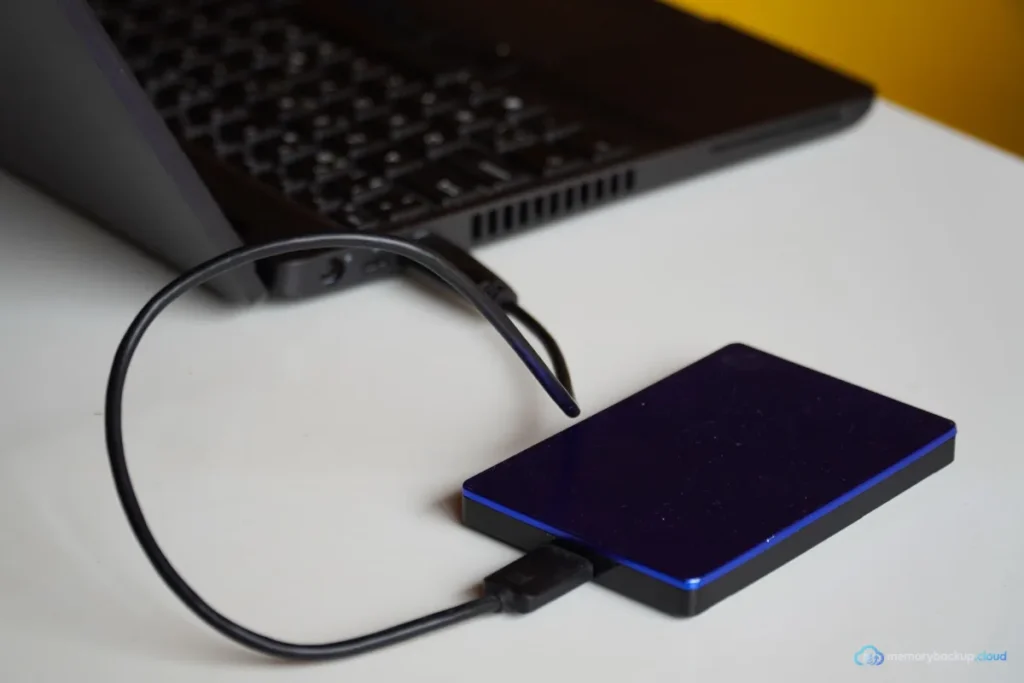
The best backup drive for computer use is an external drive at least twice the size of the data you back up, so it holds several versions. For most laptops, a 2 to 5 TB portable hard drive is the best value. Choose a portable SSD for speed and durability, or a desktop drive for very large archives.
A backup drive gives you fast local restores that no cloud service can match. Restoring 500 GB over USB takes far less time than downloading it. This guide shows how to choose the right drive.
| Drive type | Capacity range | Cost per TB | Speed | Best for |
|---|---|---|---|---|
| Portable HDD (USB powered) | 1 to 5 TB | Low | Moderate | Most laptop backups |
| Portable SSD | 500 GB to 4 TB | Higher | Very fast | Frequent backups, travel |
| Desktop HDD (mains powered) | 4 to 20+ TB | Lowest at large sizes | Moderate | Desktops, large archives |
| NAS | Multiple drives | Higher upfront | Network dependent | Several computers |
How we compared backup drives
We compared drive types on cost per terabyte, speed, durability, power needs and how well they fit a backup routine. We referenced Backblaze’s public Drive Stats for general reliability trends. We did not rank individual models, because models and prices change monthly.
Short verdicts
Portable hard drive
The default choice for most people. It is affordable, draws power from USB and holds several full backups. Treat it gently, because moving parts dislike drops while running.
Portable SSD
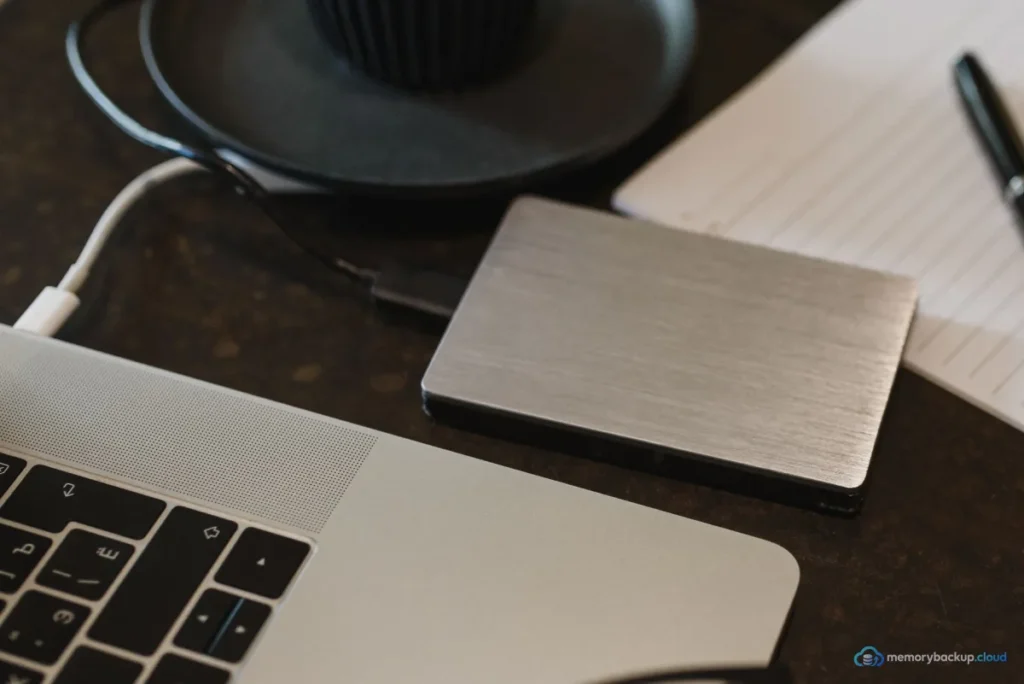
Ideal if you back up often or travel. It is much faster and tougher, but costs more per terabyte. A good choice for Time Machine on a MacBook you carry daily.
Desktop drive
Best value for very large data, such as video archives. It needs mains power, so it stays on a desk. Good for desktop computers that never move.
NAS
A network drive for the whole household. It backs up several computers automatically. It needs setup and its own offsite copy. See NAS backup to cloud.
Download our free 3-2-1 checklist and tick off each step as you go. It takes about ten minutes to read and covers phones, computers and cloud accounts.
Send me the checklistHow big should your backup drive be?
Choose at least twice the size of your data. Tools like Time Machine and File History keep multiple versions, which need extra space. If your computer holds 800 GB, buy at least a 2 TB drive.
If you want to rotate two drives, one at home and one elsewhere, buy two of the same size. Rotation protects you from fire, theft and ransomware at once.
What else to check
- Connection: USB-C or USB 3 for decent speed. Check your computer’s ports.
- Format: drives may need reformatting for Mac or Windows.
- Encryption: use BitLocker or FileVault, or the drive’s built-in encryption.
- Warranty: longer warranties suggest more confidence from the maker.
For a wider device comparison, see backup storage devices. To set up the backup itself, see backing up files to an external hard drive. Existing readers may also like our guide to cloud backup for external hard drives.
Drive plus cloud: the safe combination
A drive alone is not enough. It sits next to your computer, so fire, theft and power surges can take both. Add a cloud copy to meet the 3-2-1 backup rule. Our computer backup hub shows how to combine them.
Frequently asked questions
What is the top pick for a computer backup drive?
For most people, a 2 to 5 TB portable external hard drive is the top pick, because it offers the best value and enough room for several versions of a typical laptop. Choose a portable SSD if you want faster backups and better resistance to drops.
How did you compare backup drives?
We compared drive types on cost per terabyte, speed, durability, power needs and how well they fit regular backups. We used Backblaze Drive Stats for reliability context. We compared categories rather than models, since specific products and prices change frequently.
Which option suits most people?
A portable hard drive, at least twice the size of your data, used with Time Machine or File History, suits most people. Pair it with a cloud backup service so you also have an offsite copy that survives theft or fire.
Should I use an SSD or HDD for backups?
An HDD gives more space per dollar, which suits backups that stay at home. An SSD is faster and tougher, which suits frequent backups and travel. Both work well if you check them regularly and replace them every few years.
Can I use the same drive for backup and extra storage?
You can, but it is risky. If you store unique files on the backup drive, they have no backup themselves. Keep backup drives for backups only, or partition them clearly and back up the extra storage part to the cloud.
Our Start Here guide shows the three steps every setup needs, in plain English. Cannot find a guide for your phone, app or drive? Request a guide and we will write it.
Start hereSources