Beginner Guides
Ransomware Backup: How a Cloud Backup Gets Your Files Back
How a ransomware backup works, why sync folders fail, and the versioned, isolated setup that lets you recover without paying.

Plain-English guides to back up your phone, photos and videos, and to choose the right cloud, drive or NAS.
Pick what you want to protect and start with a simple guide.
No experience needed. Learn the basics, choose the tools, then protect your memories.
Fresh, practical and easy to follow.
How a ransomware backup works, why sync folders fail, and the versioned, isolated setup that lets you recover without paying.
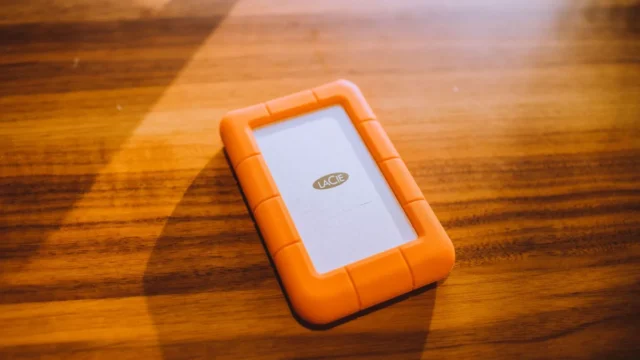
Choosing a photo backup drive: portable hard drives, SSDs, phone flash drives and NAS compared on cost per TB, speed…
Phone backup storage compared, from flash drives and SSDs to cloud plans, with the two-copy combinations that work best.
How to set up NAS backup to cloud with versioning and client-side encryption, using Synology or QNAP tools and an…
What to do right after you lose files: the first-hour checklist that gives you the best chance of getting everything…
Is cloud backup safe? An honest look at the real risks, how encryption and two-factor login protect you, and a…
The simple habit that keeps your memories safe, whatever goes wrong.
The original plus two backups.
For example a drive at home and the cloud.
Safe from fire, theft and floods at home.